Mastering Liferay : Best Practices for Modern Liferay Development
Liferay is one of the most powerful enterprise digital experience platforms. However, to get its full potential, teams must move away from traditional development patterns and start using Liferay the way it is designed today.
In this blog, we’ll walk through practical approaches and best practices that help you build scalable, upgrade-safe Liferay solutions, based on real-world development experience.
Why Traditional Liferay Development Approaches Need Rethinking
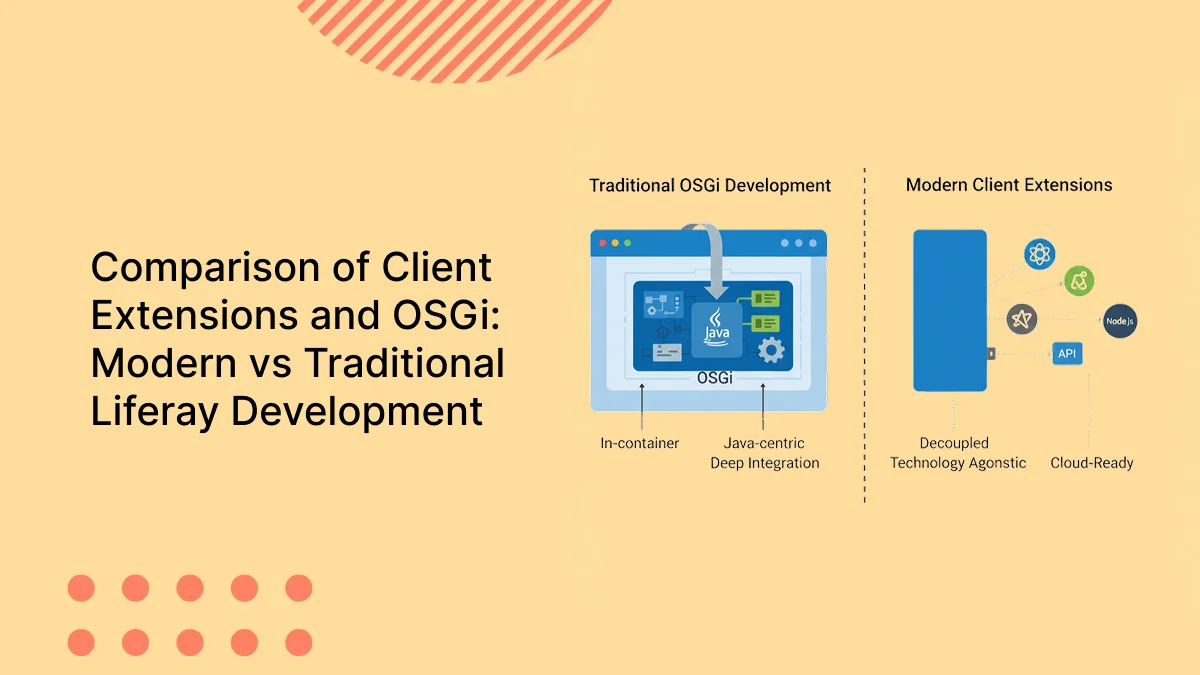
- Traditional Liferay development approaches were heavily dependent on custom OSGi modules tightly coupled with specific Liferay versions. As a result, every Liferay upgrade requires additional effort to review, refactor, and sometimes rewrite custom OSGi code.
- While OSGi-based development is still supported, overusing it for business features increases upgrade cost and maintenance effort.Touching or overriding Liferay’s core behavior also introduces risk and requires deep platform knowledge, making long-term maintenance more complex.
Understanding the Platform-First Approach in Liferay
- The Platform First approach means using Liferay as a platform, not as a low-level framework.
- The core idea is to prioritize configurations and OOTB capabilities over custom development.
For example :
- To store and manage custom business data, use Liferay Objects instead of creating new Service Builder modules.
- Objects allow you to manage entities without deployment and provide built-in APIs, collection providers, permissions, and workflow capabilities.
- For branding and UI customization, use Master Pages, Fragments, and CSS/JS Client Extensions instead of themes.
This approach keeps the portal upgrade-safe and avoids version-specific dependencies.
Service Builder and OSGi modules are still valid when deeper backend control is required, but they should not be the default choice for new requirements.
Extending Liferay Using Client Extensions
- Modern versions of Liferay introduce Client Extensions, which provide a recommended way to extend the platform without deploying custom code into the Liferay runtime.
- Client Extensions allow you to extend Liferay’s capabilities without touching its core, making customizations cleaner, loosely coupled, and more upgrade-safe.
- Instead of using traditional themes, Frontend Client Extensions should be used along with Liferay’s OOTB capabilities for branding and UI customization.
- Batch Client Extensions can be used to import or synchronize data into Liferay. These extensions follow a completely headless and API-based approach for data ingestion.
- Using Site Initializer Client Extensions, developers can build and provision complete sites in Liferay, including pages, content, navigation, roles, and permissions.
- Backend Client Extensions can be used to extend server-side capabilities such as job schedulers, object actions, workflow logic, and third-party integrations.
- For custom UI requirements, Custom Element Client Extensions allow developers to build reusable UI components using any frontend framework while consuming Liferay Headless APIs.
Since Client Extensions interact with Liferay through public and stable APIs, they remain loosely coupled with the platform and are easier to maintain during Liferay upgrades.
Minimizing Server-Side Java Customization
- For modern Liferay development, it is recommended to reduce server-side Java and JSP-based customizations wherever possible.
- Java and JSP-based MVC portlets are tightly coupled with specific Liferay versions, which increases the effort required during upgrades. While these portlets are still supported, they should not be the default choice for new business requirements.
- Creating new Service Builder modules should be avoided unless the use case requires deep backend control. Existing Service Builder implementations continue to work and are fully supported, but for most new requirements, Liferay Objects provide a simpler and more upgrade-friendly alternative.
- Long-running schedulers and heavy background jobs should be handled carefully. Running such jobs inside the Liferay server can impact performance. In many cases, these jobs can be implemented using backend client extensions or external schedulers, keeping the portal lightweight and responsive.
Adopting an API-First Approach with Liferay
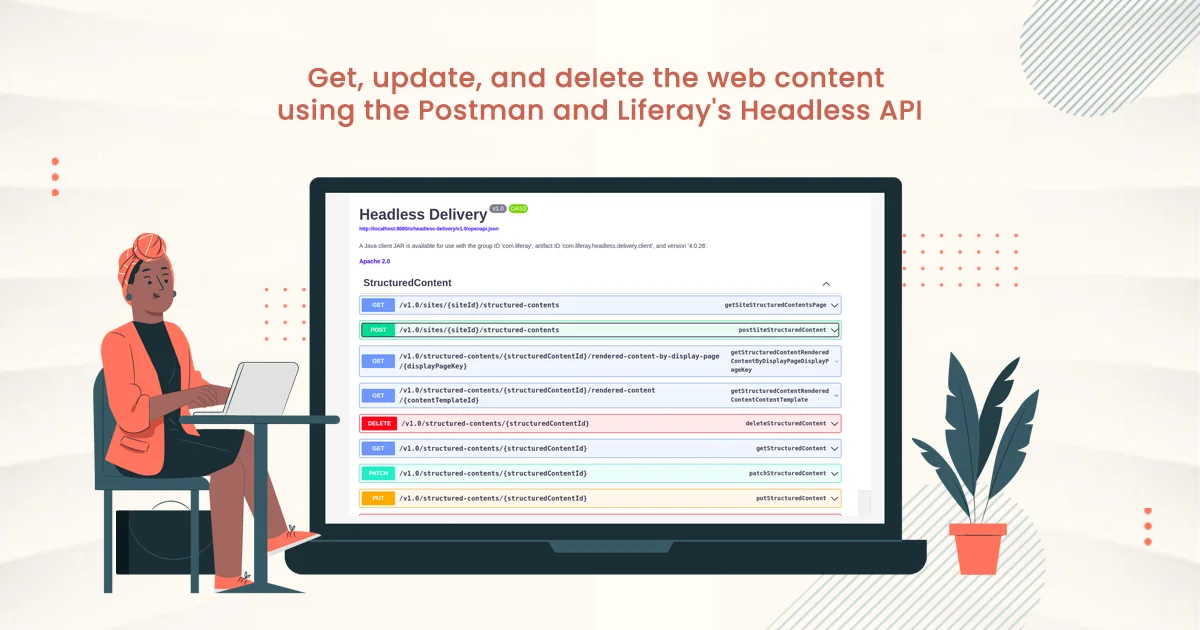
- With the increased use of Client Extensions, direct access to local services is no longer available. This is where Liferay’s Headless APIs play a key role.
- Liferay provides hundreds of ready-to-use APIs that allow developers to access and manage data without relying on internal services.
- These APIs support filtering, sorting, pagination, and query parameters, giving developers better control over the data returned.
- By following an API-first approach, client extensions and external systems can interact with Liferay in a clean and loosely coupled way. This approach improves maintainability, enables easier integrations, and helps keep implementations upgrade-safe.
- For most extension and integration use cases, relying on Liferay’s APIs removes the need for direct local service access.
Keeping Liferay Solutions Upgrade-Safe
- If the above approaches are followed, Liferay upgrades become significantly easier to manage.
- By using Liferay as a platform and relying on OOTB capabilities instead of heavy custom OSGi development, most functionality is upgraded automatically as part of the Liferay upgrade process.
- Client Extensions, including batch and backend extensions, are loosely coupled with the platform and interact with Liferay through public APIs. Because of this, they are not tightly bound to a specific Liferay version and typically require minimal or no changes during upgrades.
- This approach reduces regression risks, shortens upgrade cycles, and allows teams to adopt newer Liferay versions with confidence.
What Makes a Good Liferay Engineer Today
- A good Liferay engineer today needs a platform-first mindset, where Liferay is treated as a product rather than just a framework.
- A strong understanding of Liferay’s capabilities is essential. This includes knowing when to use OOTB features, configurations, Objects, Client Extensions, and APIs to solve business requirements most effectively.
- Beyond delivering functionality, a good engineer also considers long-term maintenance and upgrade impact, ensuring that solutions remain stable, scalable, and easy to upgrade over time.
Conclusion
Hence, to get the most out of Liferay, it is recommended to use OOTB functionalities wherever possible and minimize heavy customizations in favor of configurations. When there is a need to extend Liferay’s capabilities, Client Extensions should be preferred, as they allow extensions without impacting the platform’s core and make upgrades easier to manage.
Following these practices helps teams build scalable, upgrade-safe solutions while reducing long-term maintenance effort.